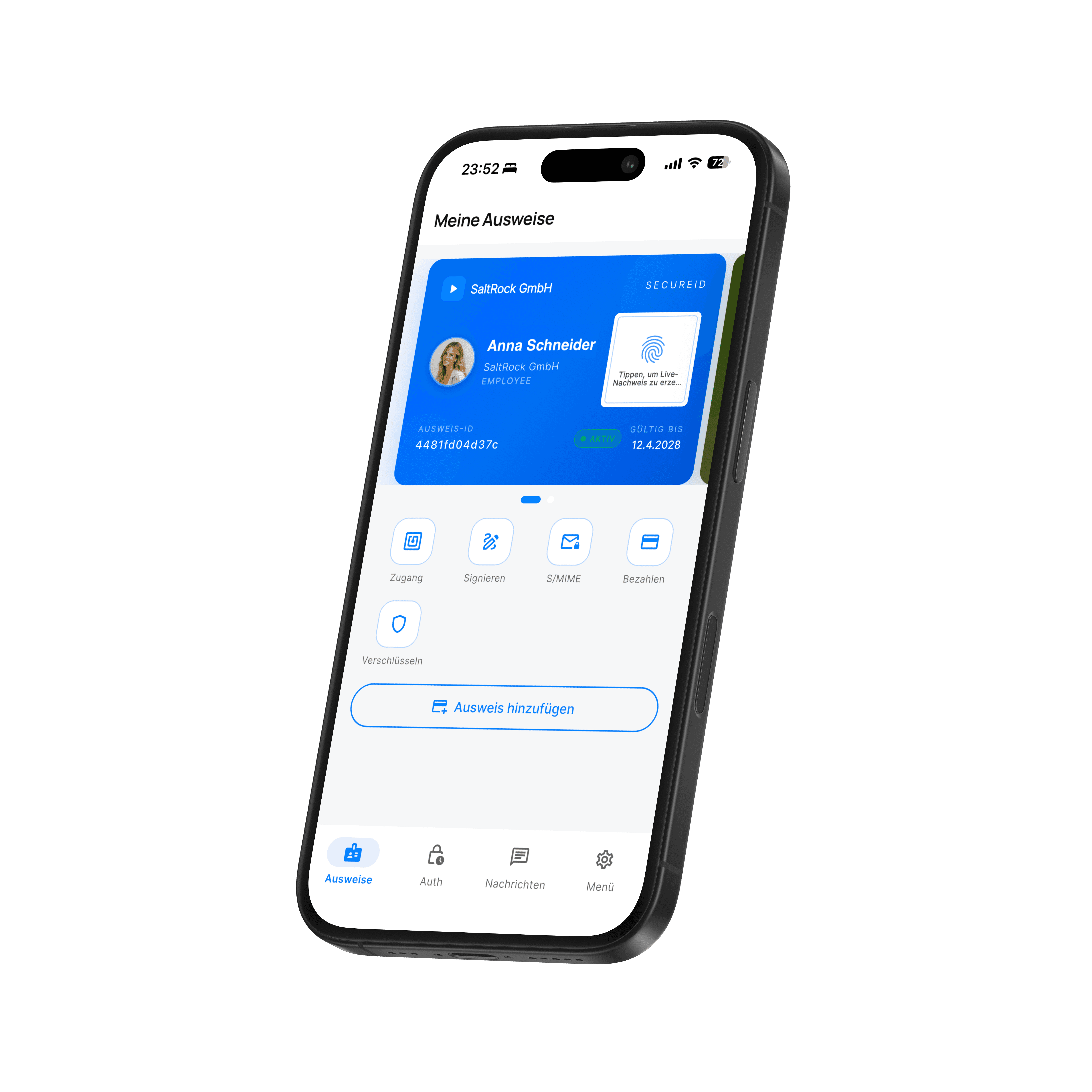
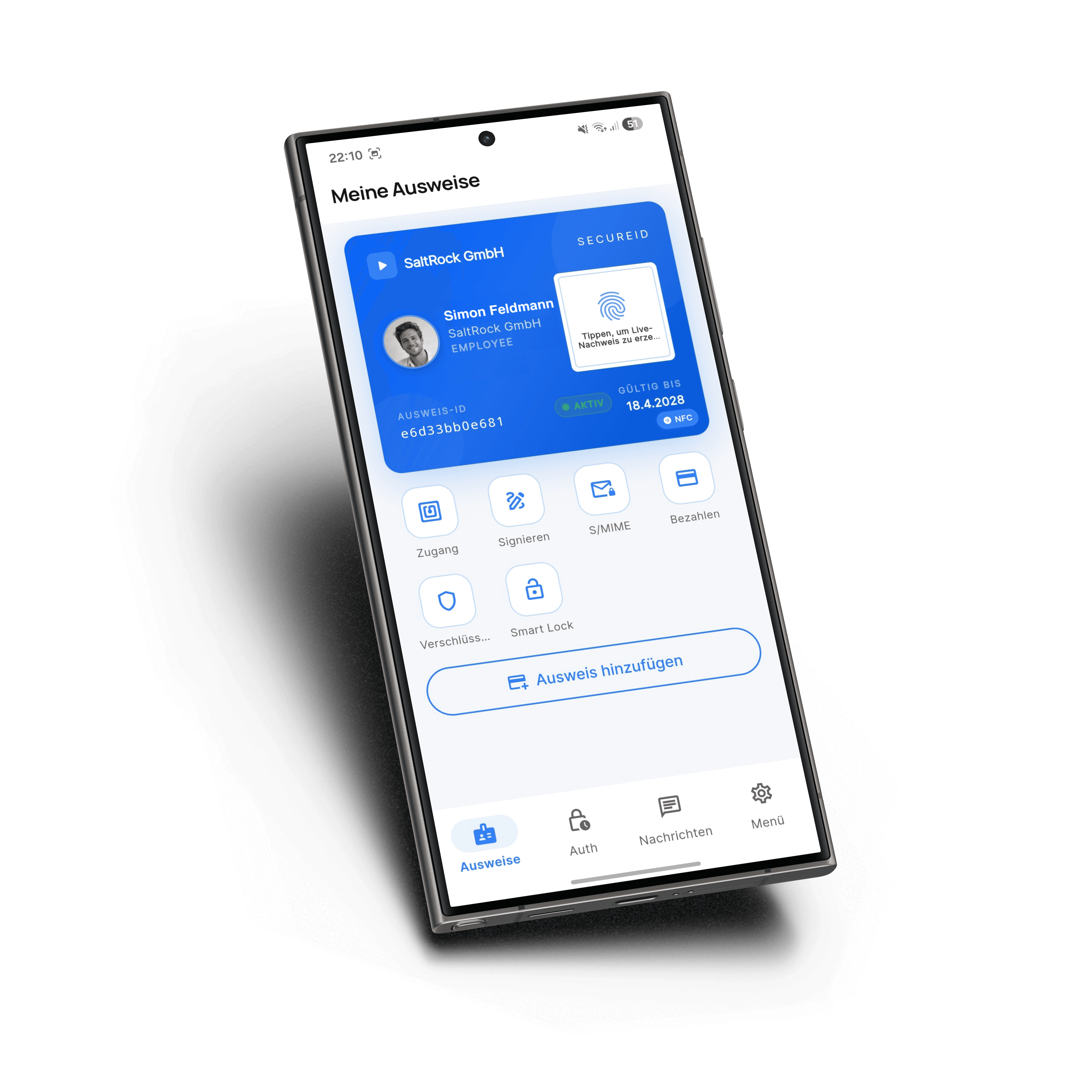
SecureID Overview

Experience the security of digital identities mobile, controlled, and based on modern PKI for government agencies and industry.

Why SecureID?

Secure digital identities
usable everywhere
Digital sovereignty

A platform for all
identity processes

A platform for allidentity processes

A platform for all
identity processes

Authenticate, sign, and communicate—with a single mobile identity at the highest level of security.

PKI-based enterprise-grade security

Mobile use instead of smart card & token

Seamless integration into existing systems

Ready for use for critical infrastructure & public authorities

Access & Authentication

Secure access
to IT systems

Replace physical tokens with a mobile, highly secure identity. Employees can access systems flexibly from anywhere with full control and maximum security.
Sign in without hardware

Authenticate securely with your smartphone — no smart card or token required. Ideal for modern, mobile work environments.

Sign in without hardware

Authenticate securely with your smartphone — no smart card or token required. Ideal for modern, mobile work environments.

Access to all systems

Seamless login to VDI, Citrix, and business applications — integrated into your existing IT landscape.

Access to all systems

Seamless login to VDI, Citrix, and business applications — integrated into your existing IT landscape.

Strong multi-factor authentication

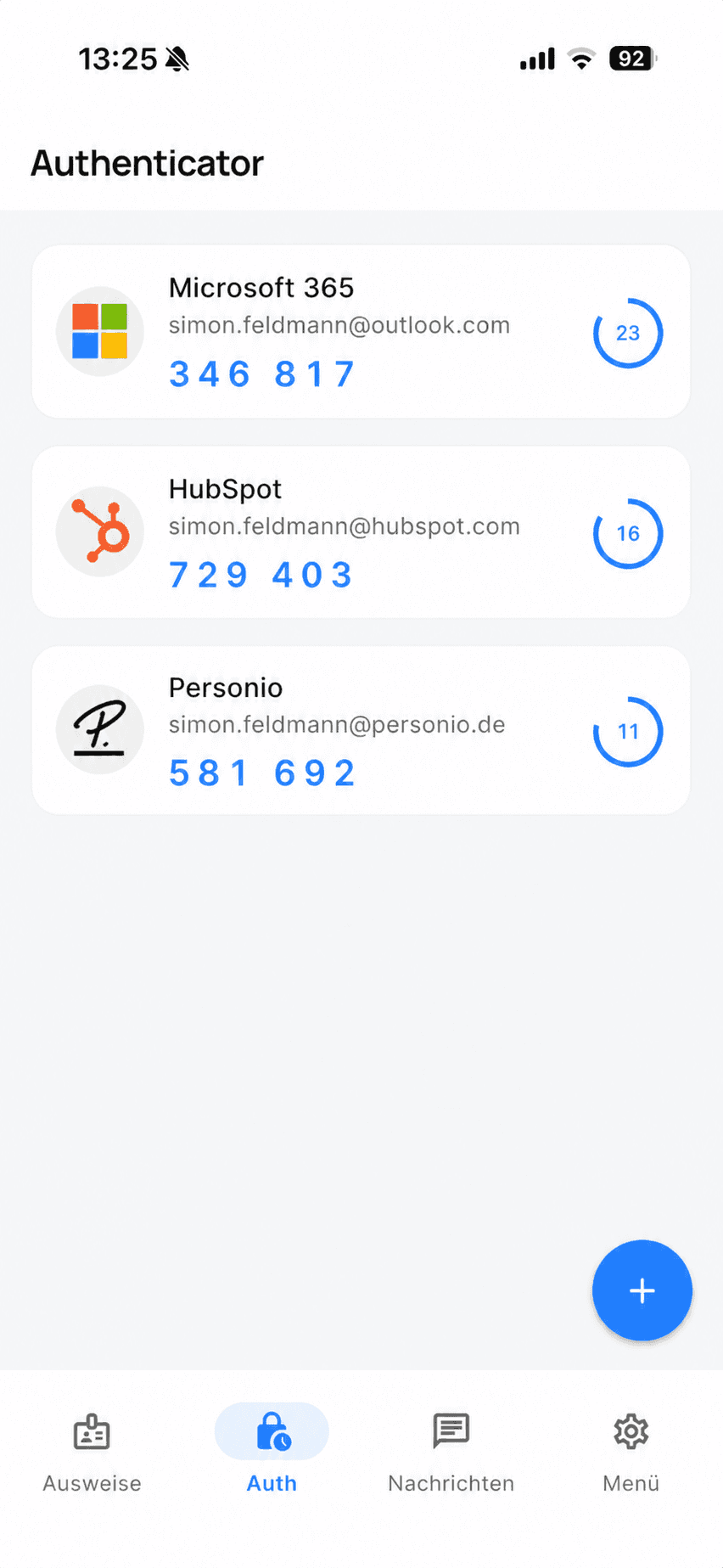
PKI-based security combined with device binding and biometric approval for maximum protection.

Strong multi-factor authentication

PKI-based security combined with device binding and biometric approval for maximum protection.

Digital IDs

Identity documents

available digitally

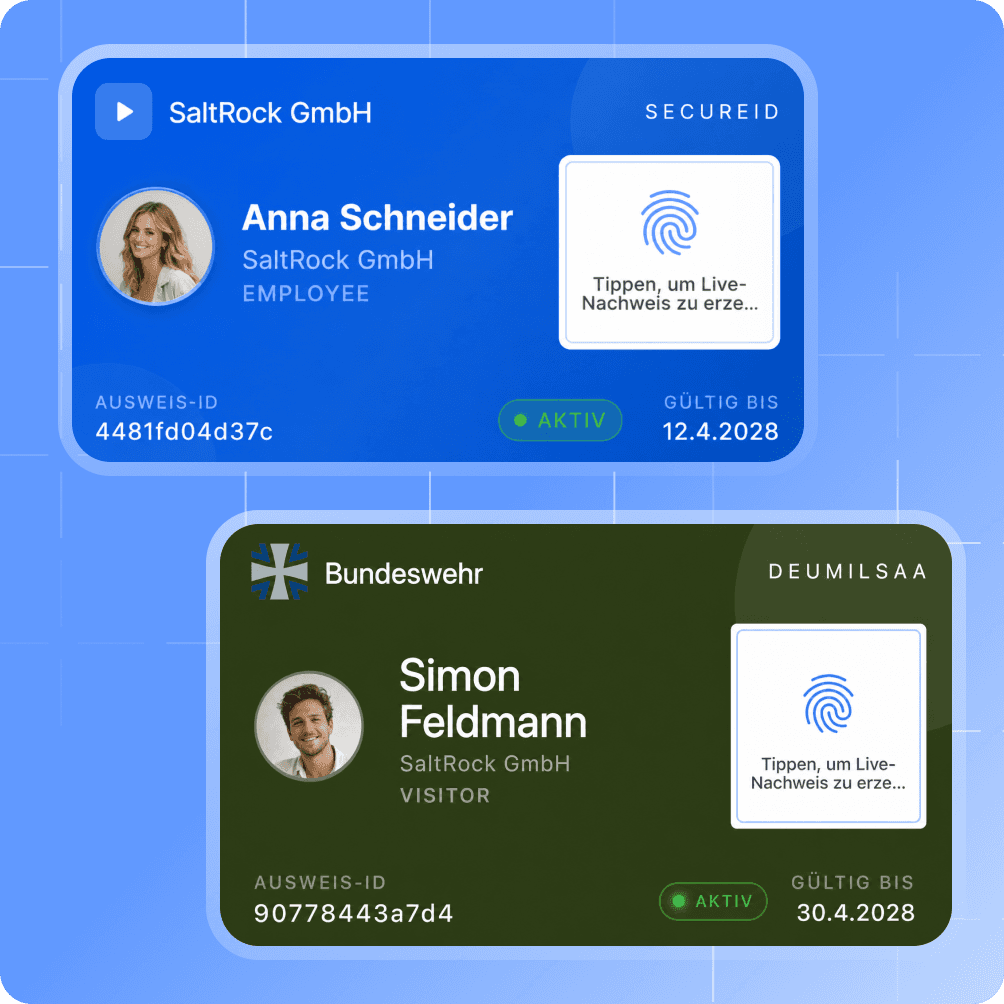
Digital identities are provided directly on the smartphone and can be used throughout the organization. Roles, credentials, and permissions always stay up to date and are available immediately.

Digital employee badges

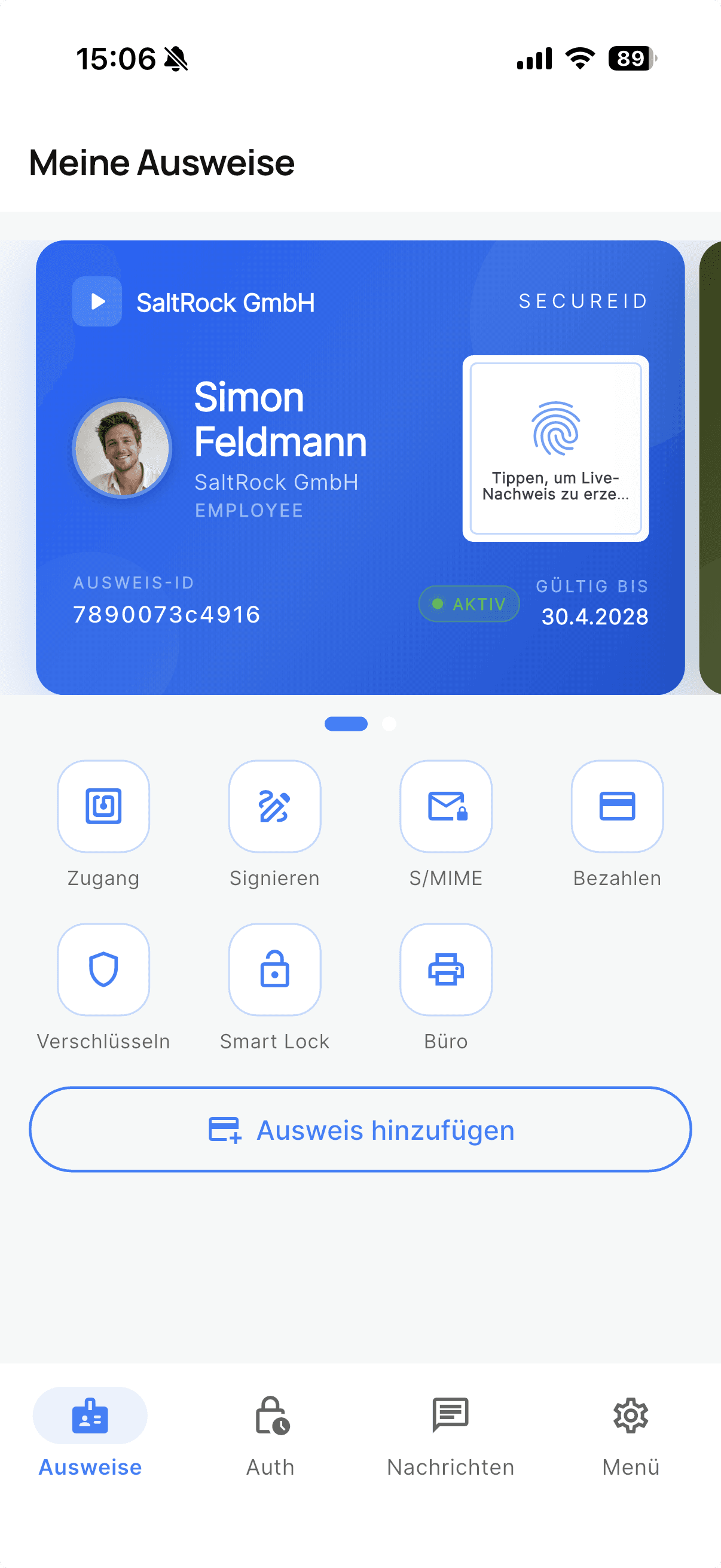
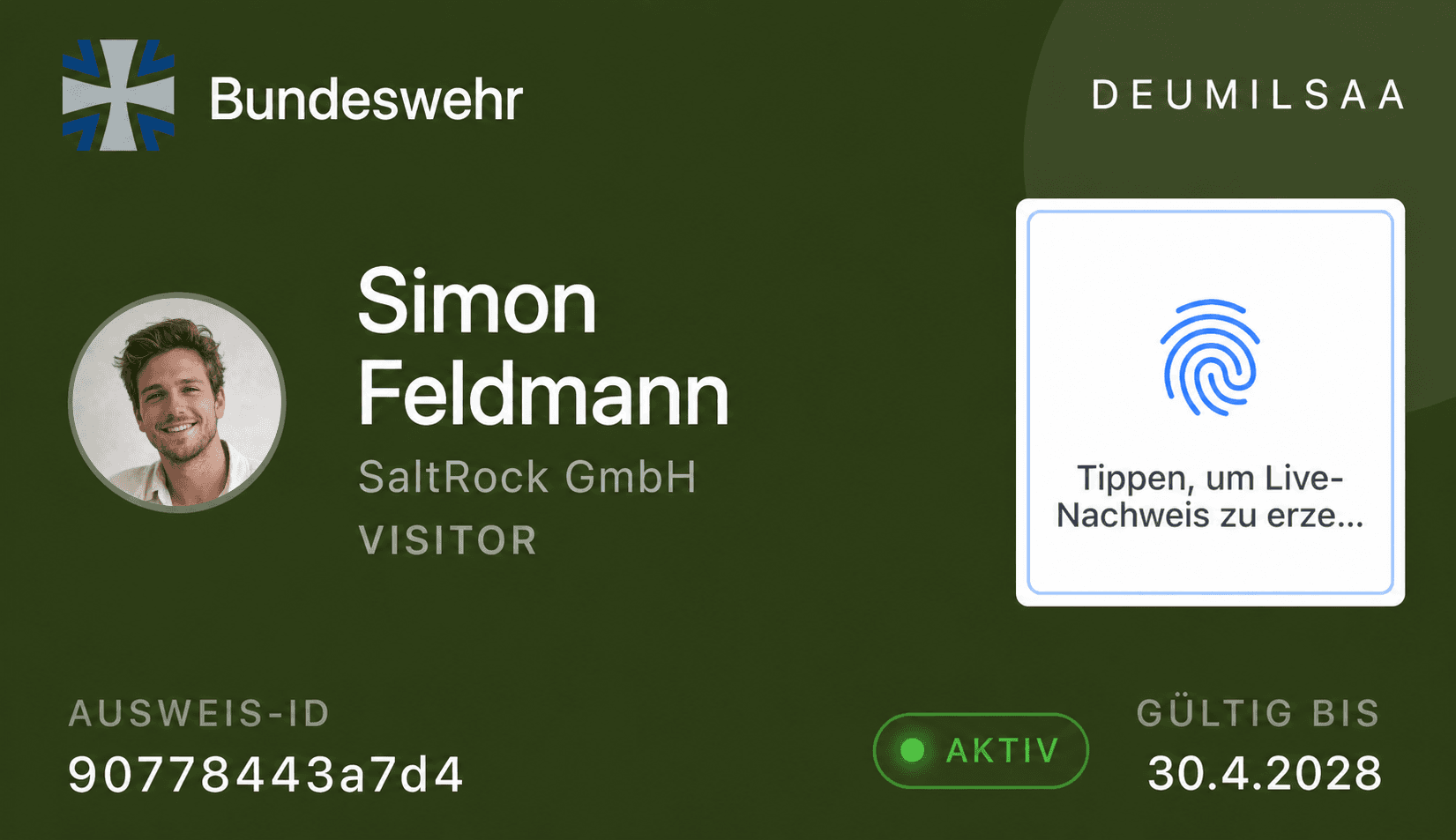
Provide employee and company ID cards digitally — including photo, organization, and validity information.

Digital employee badges

Provide employee and company ID cards digitally — including photo, organization, and validity information.

Control roles selectively

Permissions and security levels are managed centrally and can be adjusted immediately if needed.

Control roles selectively

Permissions and security levels are managed centrally and can be adjusted immediately if needed.

Stored securely on the device

Identities and key material are protected by hardware and remain under your control at all times.

Stored securely on the device

Identities and key material are protected by hardware and remain under your control at all times.

Signature & Encryption

Documents & Communication

reliably protect

Secure emails, files, and documents end-to-end. SecureID enables digital signatures and encryption for confidential communication at the highest level.
Digitally sign documents

Sign documents directly on your smartphone — traceable, secure, and without interruption.

Digitally sign documents

Sign documents directly on your smartphone — traceable, secure, and without interruption.

Protect emails & files

Encrypt content end-to-end and ensure that only authorized recipients have access.

Protect emails & files

Encrypt content end-to-end and ensure that only authorized recipients have access.

Use in regulated areas

Suitable for environments with high security requirements up to VS-NfD (subject to approval).

Use in regulated areas

Suitable for environments with high security requirements up to VS-NfD (subject to approval).

NFC & Access

Access & processes

control with NFC

Connect physical infrastructure with digital identities. SecureID enables secure access control and supports operational processes directly in day-to-day work.

Access to buildings

Use your smartphone as a key for doors and secure areas – flexibly and contactlessly.

Access to buildings

Use your smartphone as a key for doors and secure areas – flexibly and contactlessly.

Mobile Time Tracking

Record working hours directly on the device—integrated into existing systems and processes.

Mobile Time Tracking

Record working hours directly on the device—integrated into existing systems and processes.

NFC-based workflows

Automate processes via NFC tags – e.g. for check-ins, approvals, or status changes.

NFC-based workflows

Automate processes via NFC tags – e.g. for check-ins, approvals, or status changes.

Secure Messaging

Secure Messaging &
Collaboration

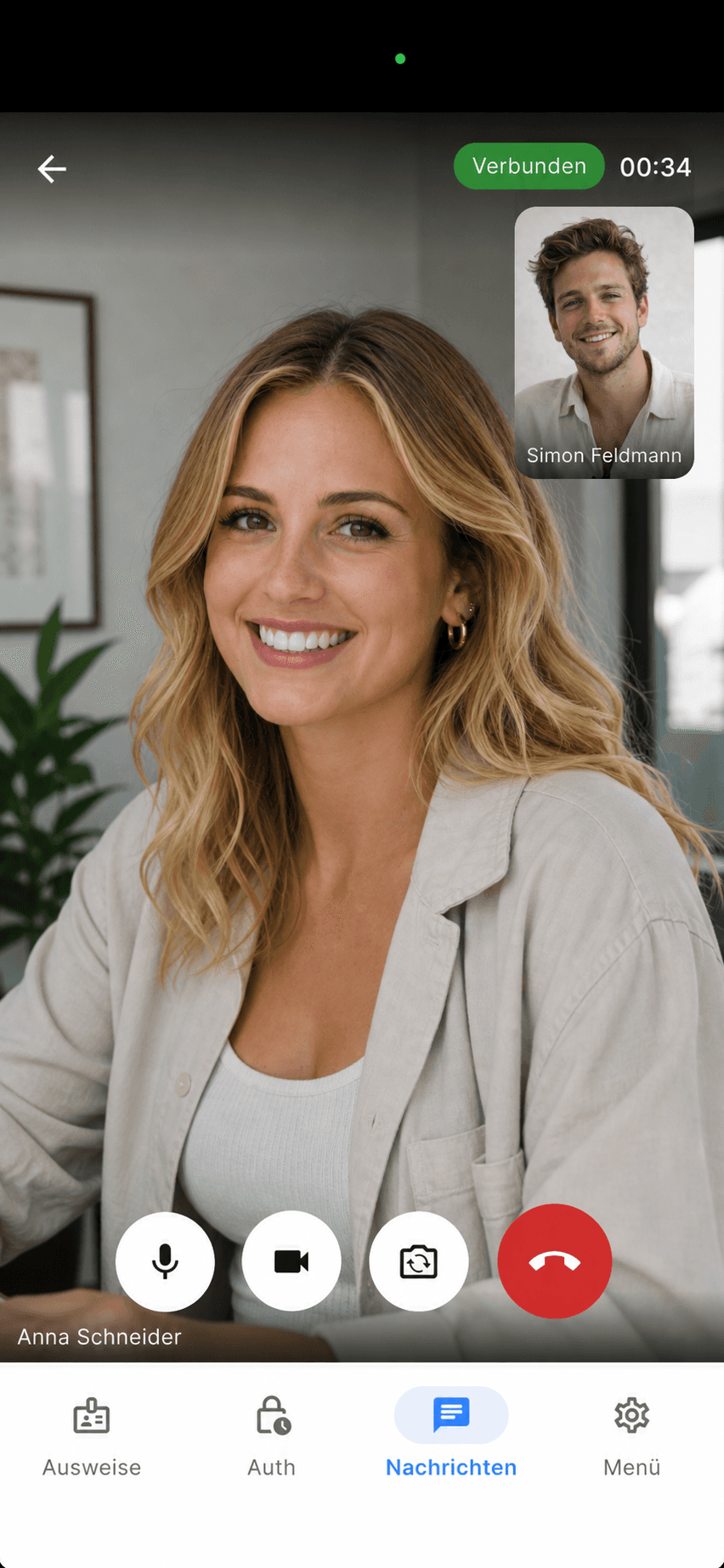
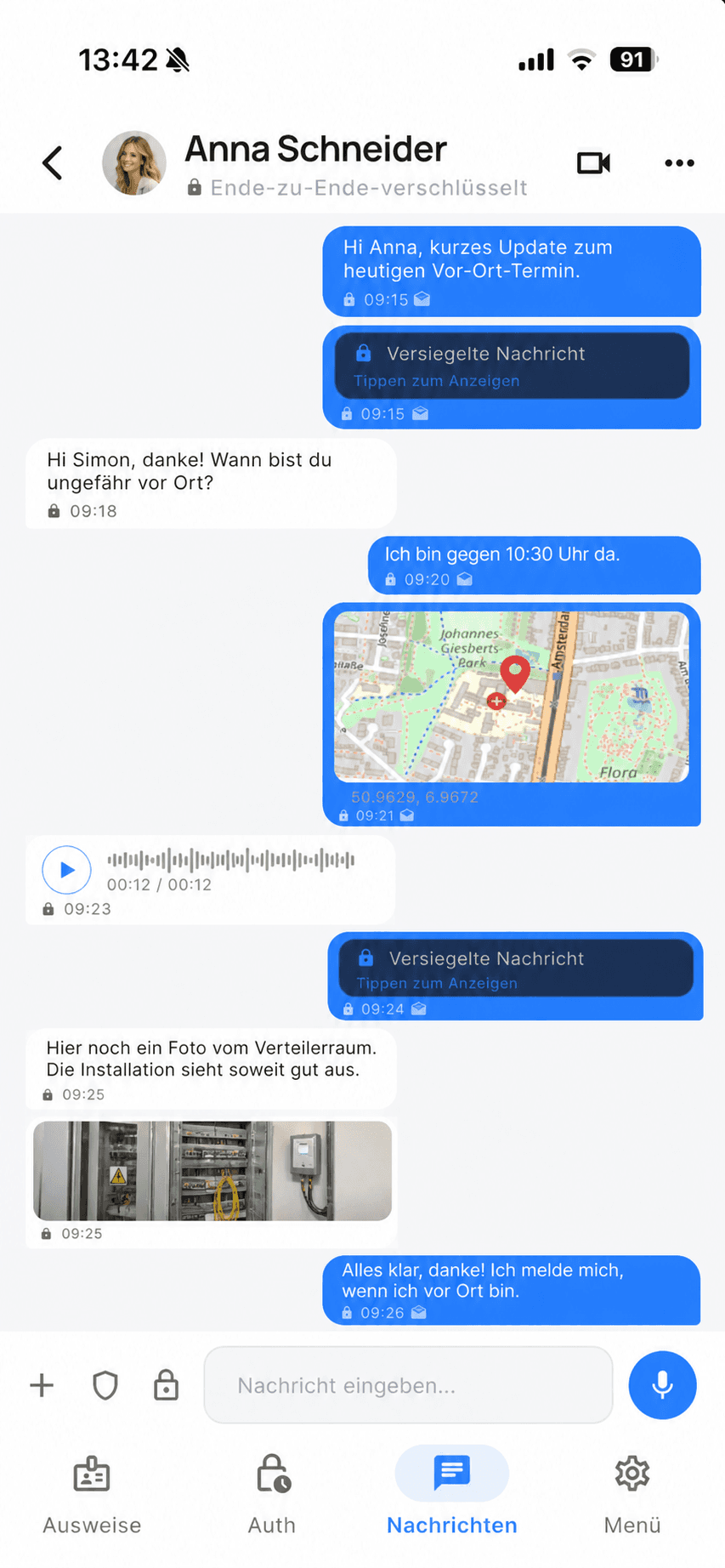
Communicate securely via chat, voice, or video fully encrypted and under your control. Ideal for organizations with high confidentiality requirements.

Chat, Voice & Video

Communicate flexibly across various channels – fully secured throughout and without external tools.

Chat, Voice & Video

Communicate flexibly across various channels – fully secured throughout and without external tools.

Secure data exchange

Share documents and information securely—even with sensitive content and mobile scenarios.

Secure data exchange

Share documents and information securely—even with sensitive content and mobile scenarios.

PKI-based encryption

All communication channels are cryptographically protected and clearly linked to identities.

PKI-based encryption

All communication channels are cryptographically protected and clearly linked to identities.

Set up

Your ID in minutes
here’s how

1

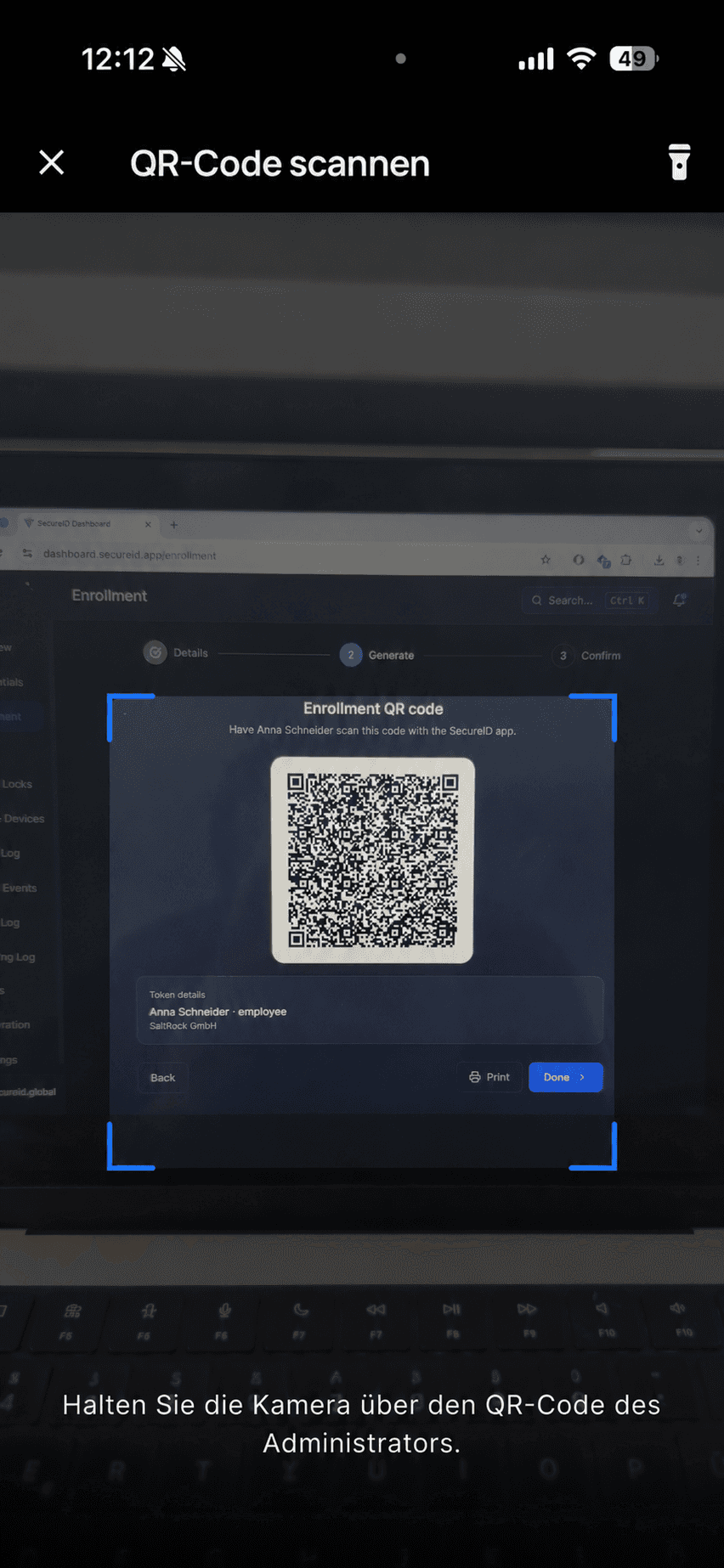
Create ID card

Scan your administrator's QR code or sign in to SecureID with your company account to add your digital ID in the app.

2

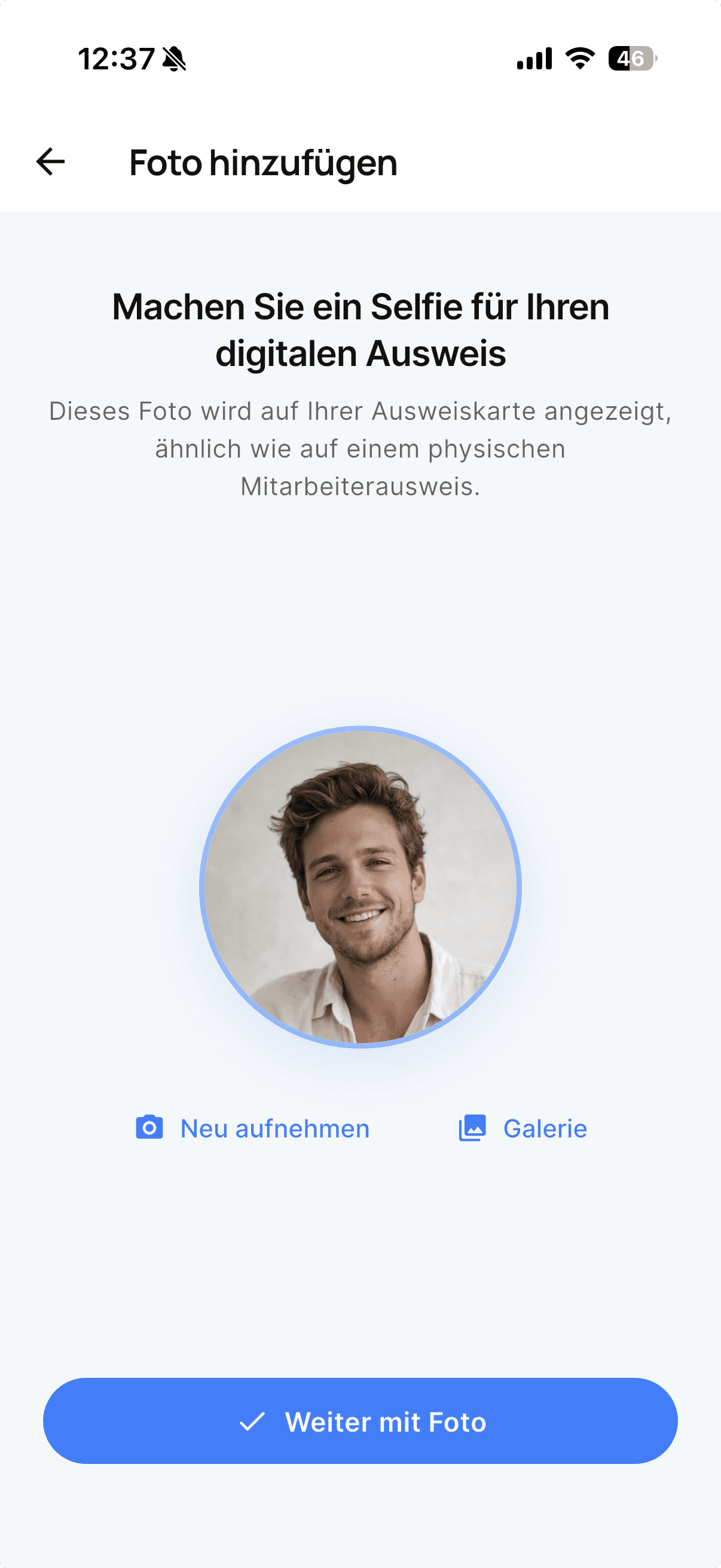
Add photo

Take a selfie for your digital ID or upload a photo from your gallery. The image will be displayed on your ID card.

3

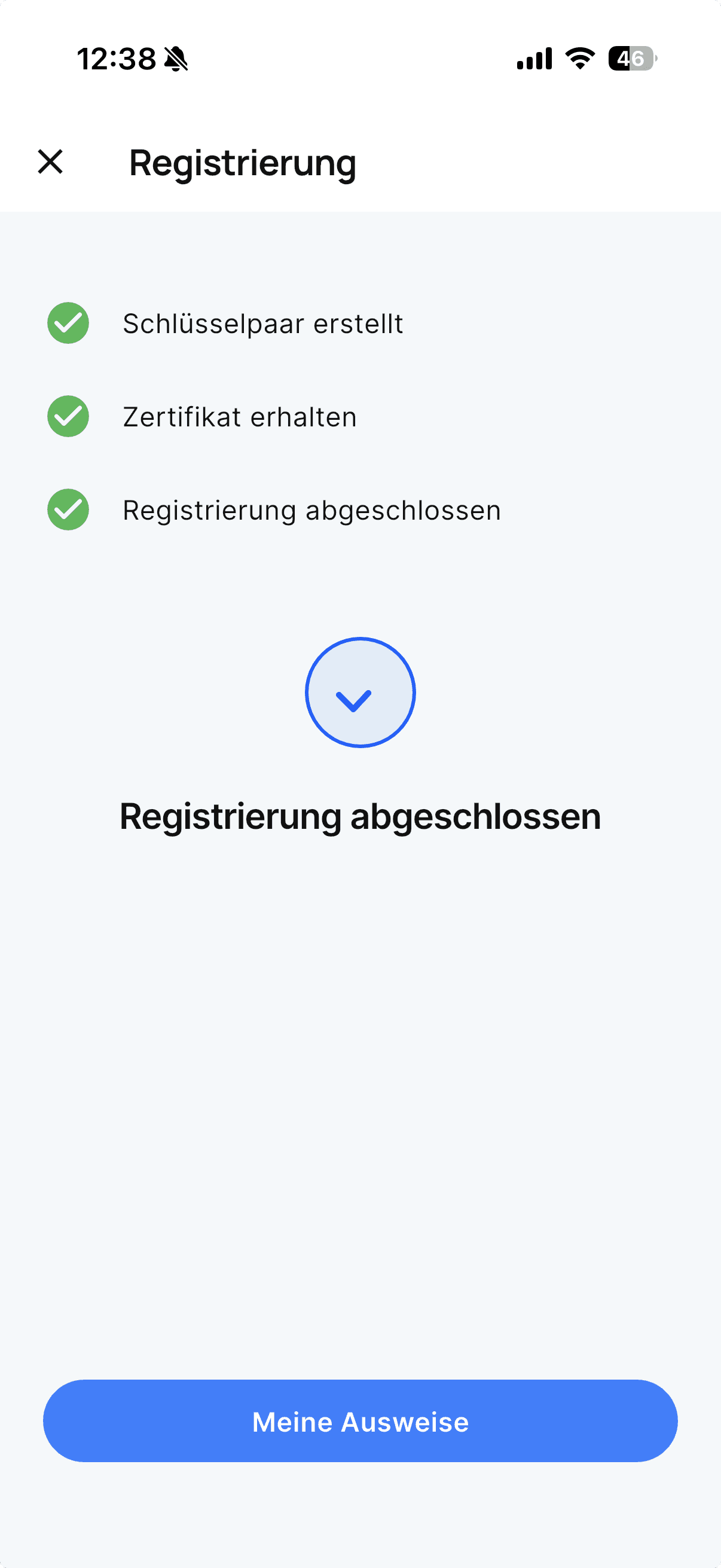
Complete registration

Your registration is being completed and your digital ID is ready to use. You can access your ID at any time under “My IDs.”

1

Create ID card

Scan your administrator's QR code or sign in to SecureID with your company account to add your digital ID in the app.

2

Add photo

Take a selfie for your digital ID or upload a photo from your gallery. The image will be displayed on your ID card.

3

Complete registration

Your registration is being completed and your digital ID is ready to use. You can access your ID at any time under “My IDs.”

1

Create ID card

Scan your administrator's QR code or sign in to SecureID with your company account to add your digital ID in the app.

2

Add photo

Take a selfie for your digital ID or upload a photo from your gallery. The image will be displayed on your ID card.

3

Complete registration

Your registration is being completed and your digital ID is ready to use. You can access your ID at any time under “My IDs.”

Your digital ID
Secure. Digital.
Easy.

With SecureID, you always have your employee ID

readily at hand directly on your smartphone.

Manage your passes securely in the app and
use them conveniently in your day-to-day work.

Your digital ID
Secure. Digital.
Easy.

With SecureID, you always have your employee ID

readily at hand directly on your smartphone.

Manage your passes securely in the app and
use them conveniently in your day-to-day work.

Your digital ID
Secure. Digital.
Easy.

Watch your money grow. Download the app now and start taking control of your money today